Can I delete .dmg files after installing?
A .dmg is a disk image that carries an app to your Mac. Once the app is in Applications and opens from there, the disk image has done its job. Old installers in Downloads are one of the easiest places to free space.
 Aditya Pratap Singh, who makes Diskly
· Updated · 3 min read

In short
Yes. Once the app is in your Applications folder, opens from there, and the disk image is ejected, the .dmg can go. Deleting it doesn’t uninstall the app. Keep it only if you couldn’t download that version again.
Check these two things first
- The app is in Applications. Open Finder › Applications and make sure it’s there. If you’ve been opening the app straight from the mounted disk image, it isn’t installed yet: drag it into Applications first.
- The disk image is ejected. If it still shows in Finder’s sidebar under Locations, click the eject button next to it before you delete the .dmg file.
When to keep an installer
- You can’t download it again, for example a paid app whose old version is no longer offered, or a version you need for an older macOS.
- It installs more than one thing, like a plug-in bundle you may want to reinstall later.
Everything else can usually be downloaded again from the developer’s site, often in a newer version.
The same goes for .pkg and .zip
A .pkg installer can go once it has run and the app works. A .zip you’ve already unpacked can go too, as long as the unpacked folder or app is still there.
Finding the old ones
In Finder, open Downloads, switch to list view and sort by Kind or Size. Disk images show as “Disk Image”. Or list them with sizes in Terminal:
ls -lhS ~/Downloads/*.dmg ~/Downloads/*.pkg 2>/dev/nullDiskly does the checking for you: it lists installers in Downloads whose app is already in Applications, with the installed version beside it, and archives whose unpacked folder sits next to them.

Questions people ask
Can I delete a .dmg after installing the app?
Yes, once the app is in your Applications folder and opens from there, and the disk image has been ejected.
Does deleting the .dmg uninstall the app?
No. The app runs from Applications; the .dmg was only the package it came in.
Keep reading
All guides →-
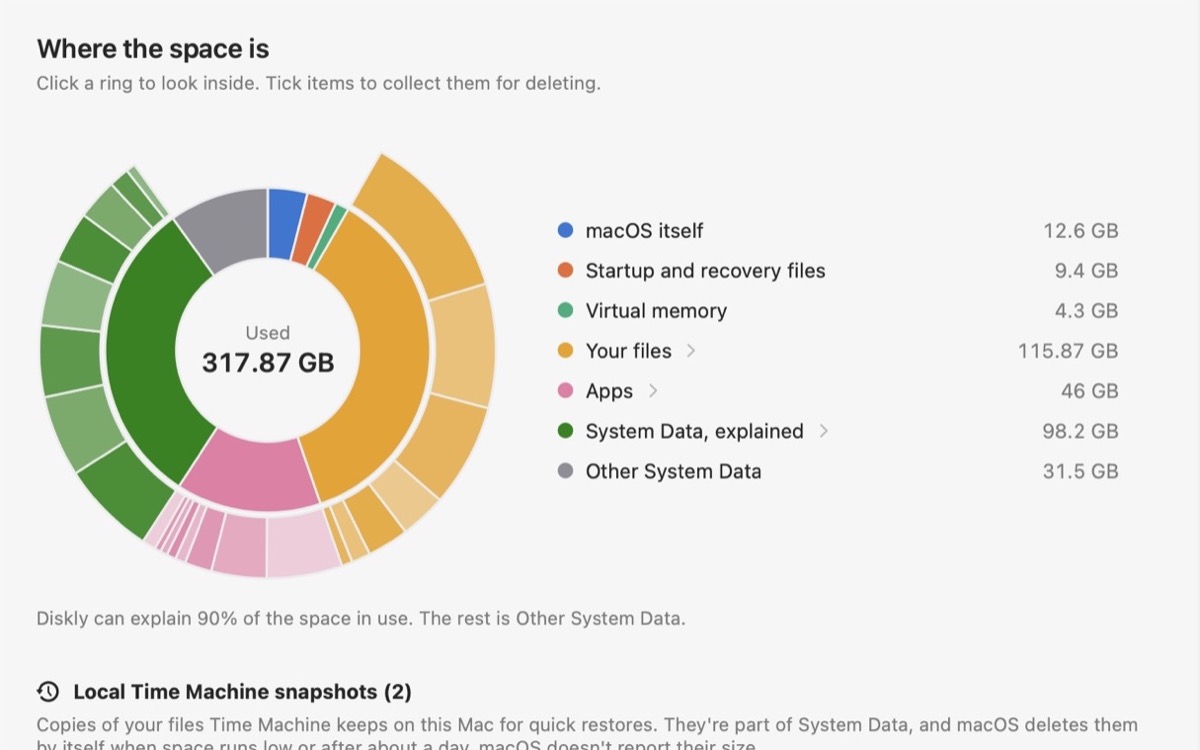
What is System Data on a Mac?
What fills that gray bar in Storage settings, what’s safe to remove, and what to leave alone.
-
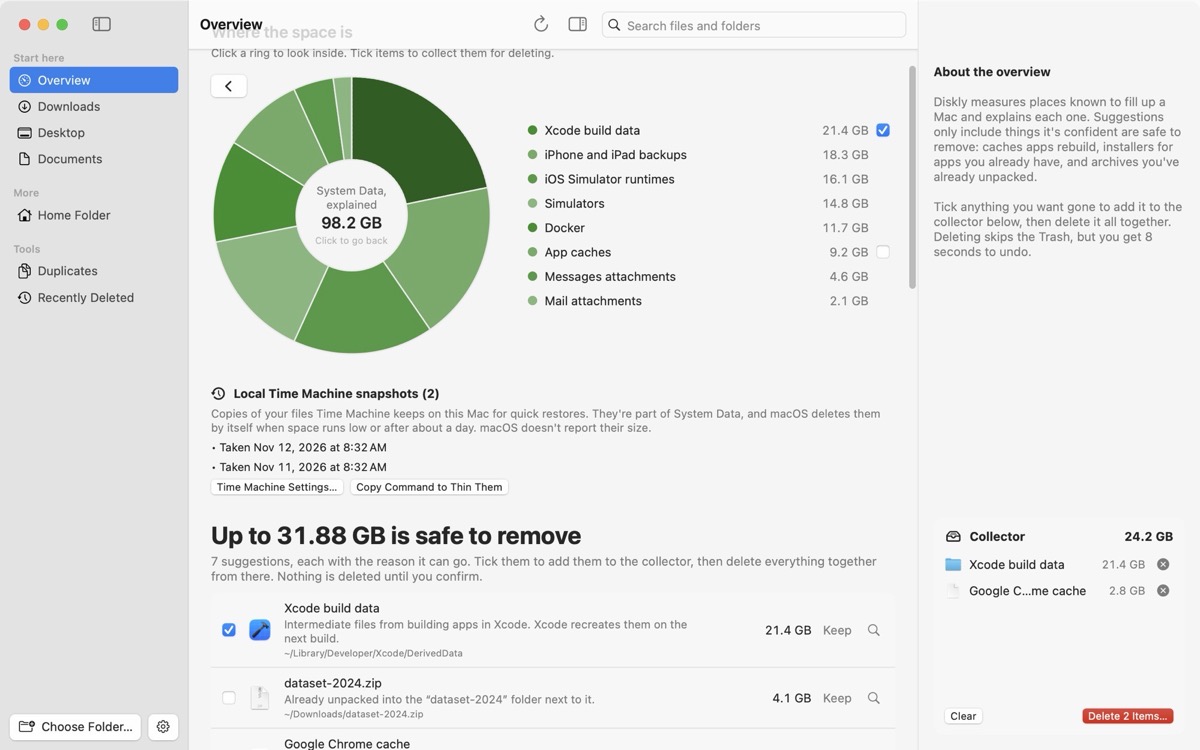
Mac storage full, but you can’t find what’s using it?
Your files don’t add up to what’s used. The places the space usually hides, checked in order.
-
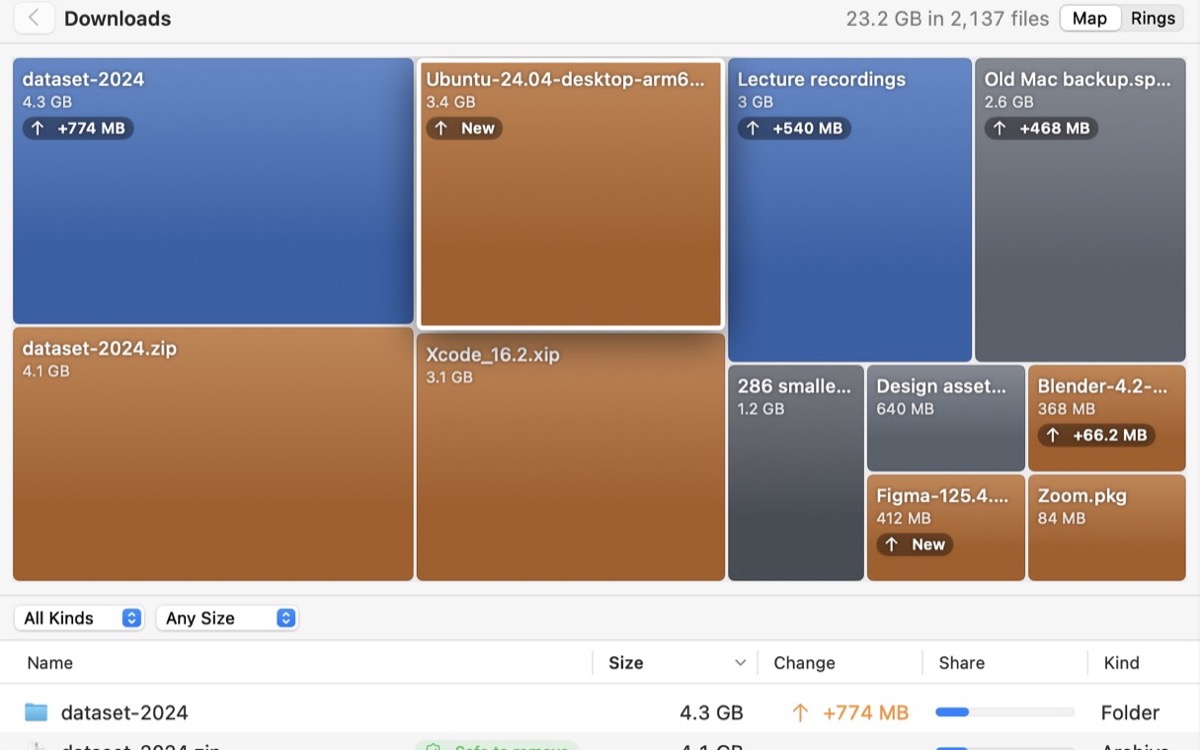
How to find large files on a Mac
Storage settings, a Finder search by size, or one Terminal command. And what the big ones usually are.


