Is it safe to delete Xcode DerivedData?
DerivedData is where Xcode keeps everything it builds, and it grows with every project and every Xcode version. On a busy Mac it reaches 20 GB or more. Deleting it is safe; here’s what that costs you.
 Aditya Pratap Singh, who makes Diskly
· Updated · 3 min read

In short
Yes. DerivedData holds build products, indexes and logs that Xcode recreates on the next build. You lose one slower build and some indexing time per project, never your code. Quit Xcode first, then delete ~/Library/Developer/Xcode/DerivedData.
What’s inside DerivedData
One folder per project, named after it, holding the compiled app, intermediate build files, the index Xcode uses for autocomplete and jump-to-definition, and build logs. Old projects you haven’t opened in months keep their folders until you remove them.
What you lose by deleting it
- The next build of each project is a full one, so it takes longer.
- Xcode re-indexes each project when you open it. Autocomplete may be slow for a few minutes.
- Old build logs go. If you’re investigating a build problem, keep them until you’re done.
How to delete it
- Quit Xcode.
- In Xcode › Settings › Locations, click the arrow next to the Derived Data path to open it in Finder. Or use Go › Go to Folder with
~/Library/Developer/Xcode/DerivedData. - Move the project folders you don’t need to the Trash, or all of them.
Or in Terminal, with Xcode closed:
rm -rf ~/Library/Developer/Xcode/DerivedData/*This skips the Trash, so check the path before you press Return.
For just the project you have open, Product › Clean Build Folder (Shift-Command-K) clears its build products without leaving Xcode.
Other Xcode folders worth a look
- iOS DeviceSupport (
~/Library/Developer/Xcode/iOS DeviceSupport). Debugging files copied from every iPhone or iPad you’ve connected, one folder per iOS version. Safe to remove; Xcode copies them again when you connect that device. - Archives (
~/Library/Developer/Xcode/Archives). Builds archived for release. Keep the ones for versions people still use: you need them to read those versions’ crash reports. - Simulators for iOS versions you no longer have installed.
- Simulator runtimes. Whole copies of iOS, several gigabytes each. Remove old ones in Xcode › Settings › Components.
xcrun simctl delete unavailableRemoves simulated devices whose iOS version is no longer installed.
xcrun simctl runtime listLists installed simulator runtimes and their sizes; remove one with xcrun simctl runtime delete followed by its identifier.
Questions people ask
Is it safe to delete Xcode DerivedData?
Yes. It holds build products, indexes and logs that Xcode recreates on the next build. You lose one slower build and some indexing time, nothing you wrote.
Where is Xcode DerivedData?
In ~/Library/Developer/Xcode/DerivedData. Xcode › Settings › Locations shows the path and opens it in Finder.
Does Clean Build Folder delete DerivedData?
Only the build products of the project you have open. Other projects’ folders, and their indexes, stay.
Keep reading
All guides →-
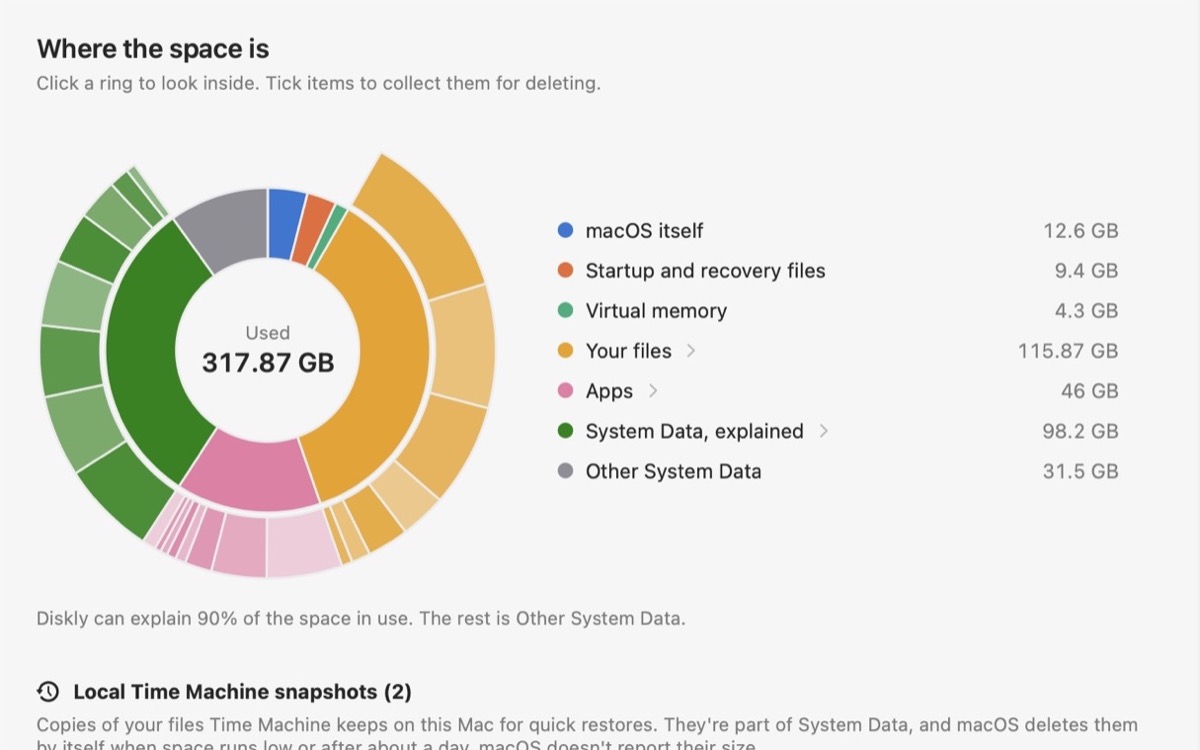
What is System Data on a Mac?
What fills that gray bar in Storage settings, what’s safe to remove, and what to leave alone.
-
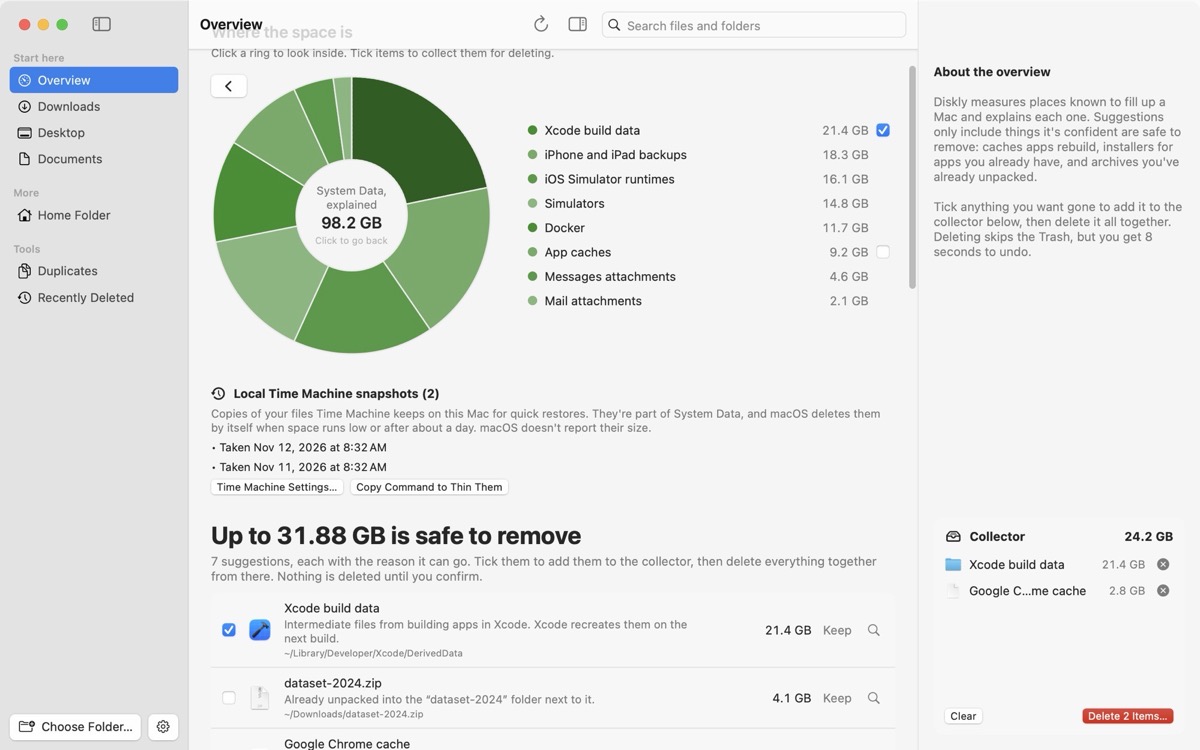
Mac storage full, but you can’t find what’s using it?
Your files don’t add up to what’s used. The places the space usually hides, checked in order.
-
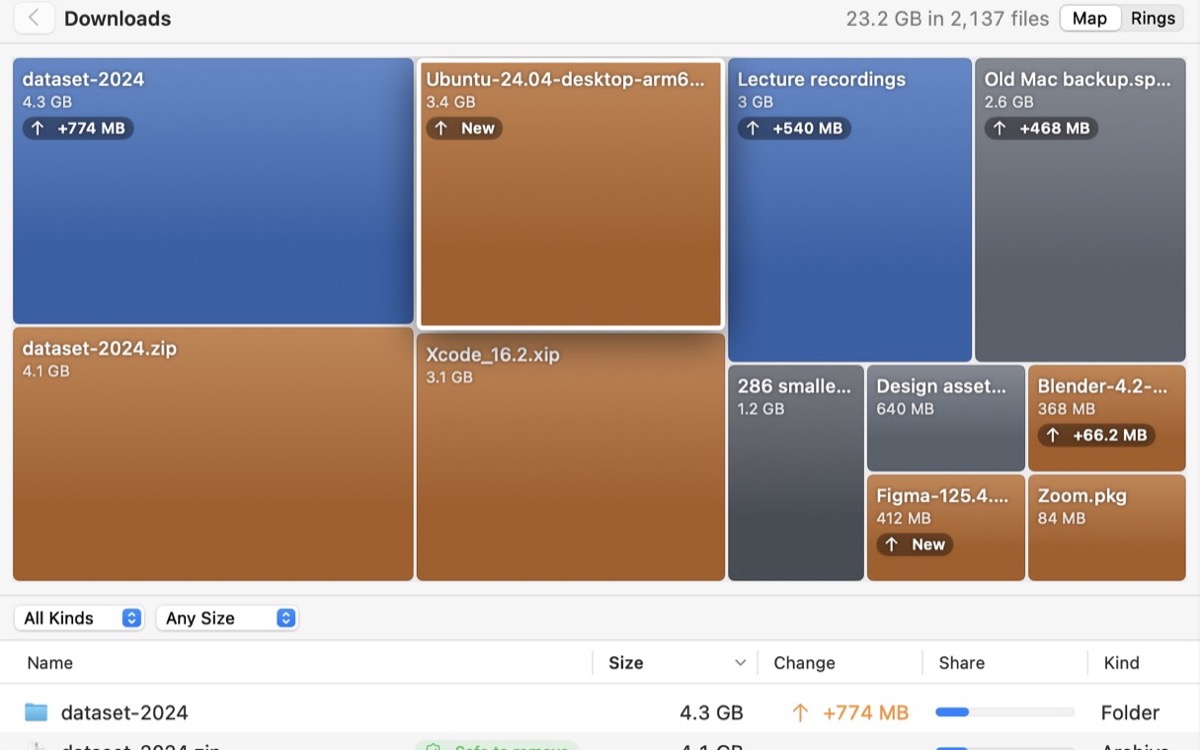
How to find large files on a Mac
Storage settings, a Finder search by size, or one Terminal command. And what the big ones usually are.


